Coming soon
Storefront video guide
A guided walkthrough of the storefront demo.
Watch VideoDGFY PRACTICE GUIDES
Choose a guide for the storefront or POS Orders demo. Each section will include a video and a downloadable manual.
Learn how to explore a sample storefront and follow the customer journey.
A guided walkthrough of the storefront demo.
Watch VideoLearn how to explore the sample storefront and find a product or service.
See how to choose an item, adjust the quantity, and review the cart.
Follow the practice checkout flow and review the confirmation details.
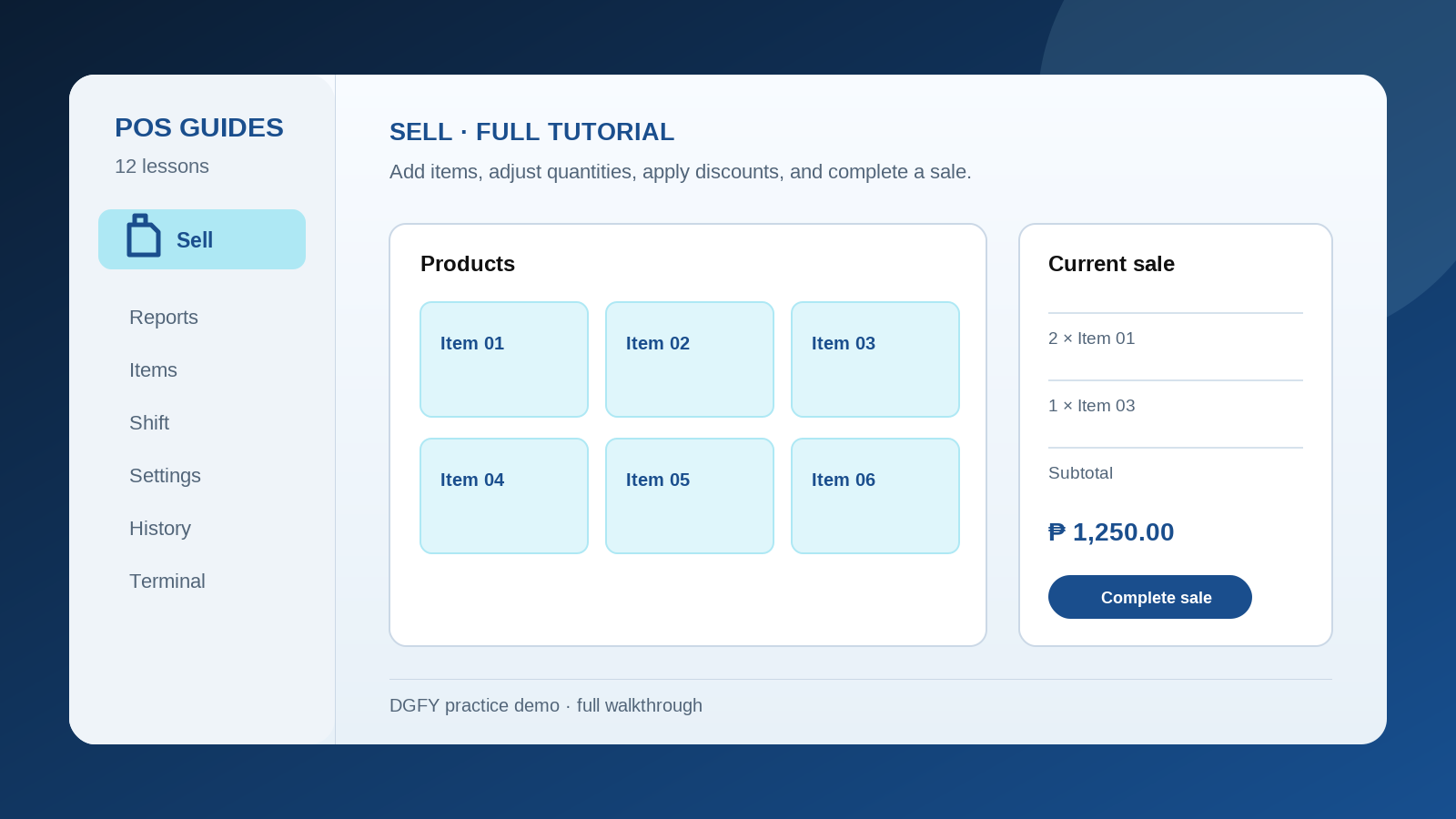
Learn how to add items, apply discounts, and complete a practice sale in the POS Orders workspace.
In this walkthrough, you’ll add items, apply discounts, and complete a practice sale.
Watch VideoLearn different ways to add items and adjust quantities.
See how to apply an approved discount during a practice sale.
Finalize the practice transaction and print or review a receipt.
A guided walkthrough of the POS History page.
In this walkthrough, you’ll explore the POS History page and review past activity.
Watch VideoA guided overview of the POS Report area.
In this quick tour, you’ll explore the POS Reports page and see where to find sales, item, operations, and Z-Reading insights.
Watch VideoIn this walkthrough, you’ll review sales performance and explore the totals shown in POS Reports.
In this walkthrough, you’ll compare sales results in POS Reports and see how different periods stack up.
In this walkthrough, you’ll find the items contributing the most to sales.
In this walkthrough, you’ll explore the Profit and Loss report and see what its figures show.
In this walkthrough, you’ll explore POS operations reports and review the activity they show.
In this walkthrough, you’ll explore Z-Readings and review the details recorded for each one.
A guided walkthrough of managing items and categories in the POS.
In this walkthrough, you’ll manage POS items and categories step by step.
Watch VideoChoose the guide for your role: manage shifts as an admin or start and end your own shift as a cashier.
As an admin, you’ll learn how to manage shifts in the POS workspace.
Watch VideoAs a cashier, you’ll learn how to start your shift and end it when you’re done.
Watch VideoQueue scope and local sound; device and printer setup.
In this walkthrough, you’ll set your queue scope, sound notifications, and terminal devices.
Watch VideoCreate and manage vouchers, codes, and redemption rules.
In this walkthrough, you’ll create voucher codes and choose how they can be redeemed.
Watch VideoSet per-item fixed prices for wholesale/B2B-via-B2C vouchers.
In this walkthrough, you’ll set per-item prices for wholesale and B2B-via-B2C vouchers.
Watch VideoEnroll affiliates, set commission rates, and review earnings.
In this walkthrough, you’ll enroll affiliates, set commission rates, and review earnings.
Watch VideoAdmin-only activity log for POS and account changes.
In this walkthrough, you’ll review activity logs for POS actions and account changes.
Watch VideoLearn how authorized reviewers handle supported POS approval requests.
In this walkthrough, you’ll review POS void and parked-sale requests.
Watch Video